Help for questionnaire respondents
How do I get started with filling in the survey?
Help with filling in surveys
In the PARTIMAP map-based survey application, in addition to traditional questionnaire questions, you can also share your opinions and experiences by making markings on the map. The guide below helps you find your way around the interface and through the steps of filling in a survey.
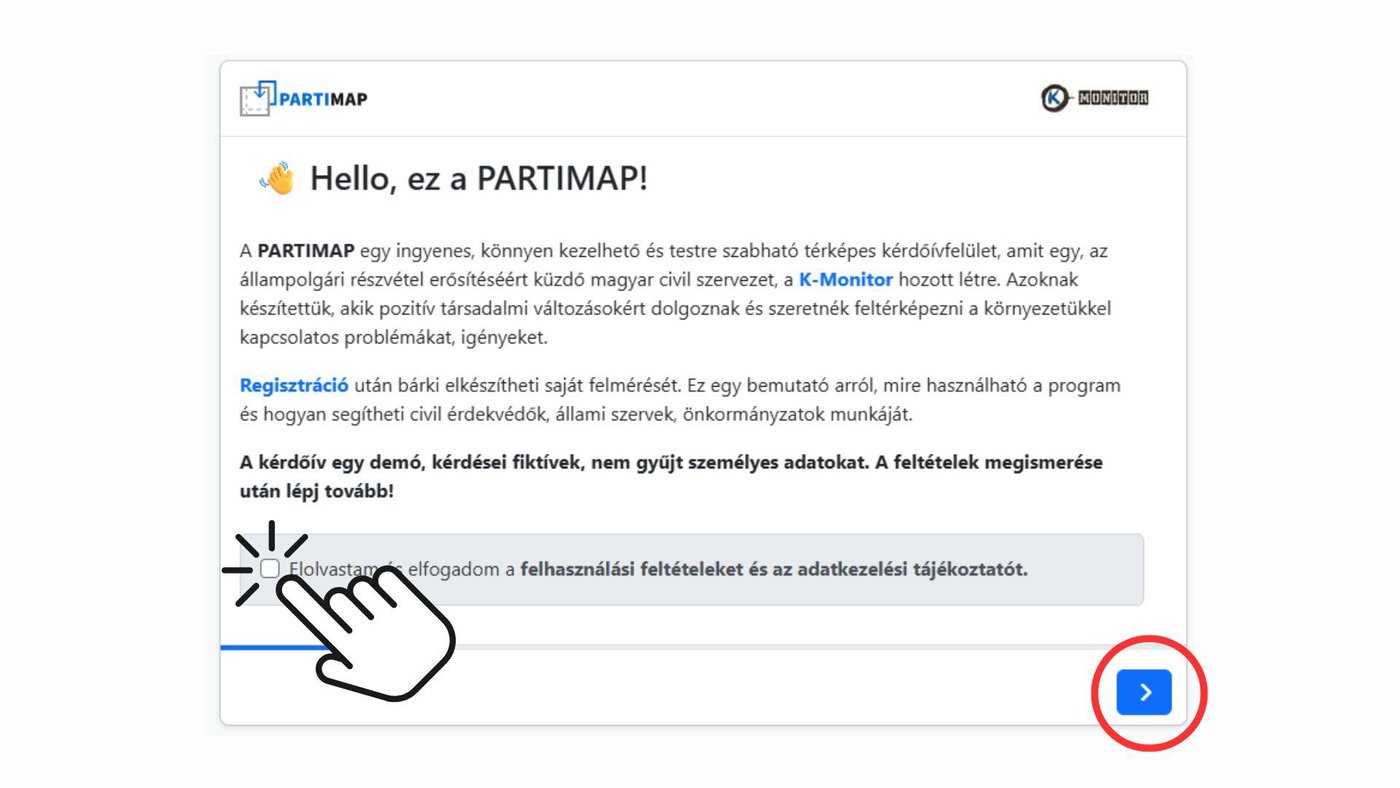
To move on from the first page of the survey, you must accept the Terms of Use and the Privacy Policy.
You can navigate between the pages of the survey with the blue Next and Back buttons at the bottom.
💡 Tip: While filling in the survey, also pay attention to the instructions shown in the sidebar or next to individual questions.